
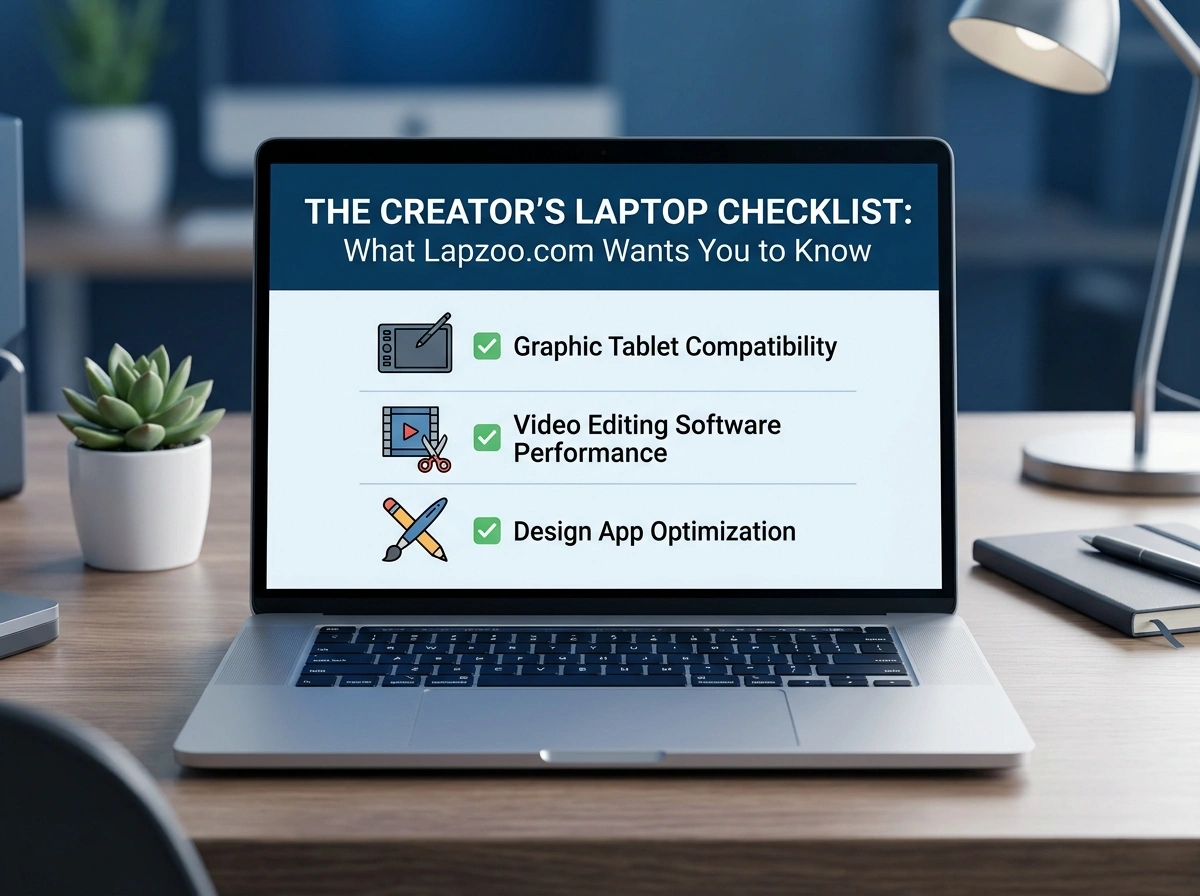
Your laptop is your studio. It’s where your edits come to life, where your streams go live, and where late-night creative breakthroughs happen. For YouTubers, photographers, designers, and streamers, picking the right machine isn’t a luxury purchase—it’s a business decision. The wrong choice slows you down, drains your budget, and crushes your momentum.
So how do you cut through the spec sheets and marketing buzzwords to find a laptop that actually fits how you create? That’s exactly what this checklist is for. We’ve broken down every component that matters, with real-world advice for the work you do every day. The team at lapzoo.com lives and breathes this stuff, and these are the things they want every creator to know before swiping the card.
Why Your Laptop Choice Matters More Than Ever
Content creation has exploded across the United States, from solo TikTok editors in small towns to full-blown production studios in Los Angeles and New York. The tools you use directly shape the quality and speed of what you publish.
A laptop that stutters during a 4K export or freezes mid-stream doesn’t just frustrate you—it costs you views, clients, and sleep. Investing wisely upfront saves you from upgrading too soon and protects your creative flow. Let’s walk through the checklist.
1. Processor (CPU): The Engine Behind Everything
The processor is the brain of your laptop. It handles rendering, encoding, multitasking, and basically every demanding task you throw at it.
What to Look For
- For video editors and 3D artists: Aim for at least an Intel Core i7/i9 or AMD Ryzen 7/9. Apple users should target the M-series Pro or Max chips.
- For photographers and designers: A modern Core i5 or Ryzen 5 can handle Lightroom and Photoshop well, though more cores never hurt.
- For streamers: Encoding live video eats CPU power. A high core-count chip keeps your stream smooth while games run in the background.
Real-World Tip
More cores mean better performance with software that renders and exports. If you regularly work in Premiere Pro, DaVinci Resolve, or Blender, don’t cut corners here. The CPU is the hardest part to upgrade later.
2. RAM: Room to Breathe
RAM determines how many tasks your laptop can juggle at once. Open a 50-layer Photoshop file, a browser with 30 tabs, and a music player, and you’ll feel the difference fast.
Recommended Amounts
- 8GB: The bare minimum. Fine for light blogging or basic photo edits, but you’ll hit walls quickly.
- 16GB: The sweet spot for most creators. Handles editing, streaming, and multitasking comfortably.
- 32GB or more: Ideal for heavy 4K/8K video work, large RAW photo batches, and complex 3D scenes.
Real-World Tip
If you can, buy a laptop where the RAM is upgradeable. Many ultrabooks solder RAM to the board, locking you into what you choose today. When in doubt, get more than you think you need.
3. Graphics (GPU): The Power Behind the Pixels
The GPU does the heavy lifting for rendering, color grading, gaming, and AI-powered tools that are becoming standard in creative apps.
Who Needs a Dedicated GPU
- Video editors and motion designers: A dedicated NVIDIA RTX or AMD Radeon GPU dramatically speeds up rendering and playback.
- 3D artists and game developers: A strong GPU isn’t optional—it’s essential.
- Streamers and gamers: You’ll need solid graphics to play and broadcast at the same time.
Photographers and writers can often get by with integrated graphics, which also helps battery life. Match the GPU to your actual workload rather than chasing the biggest number.
4. Display Quality: Trust What You See
Your screen is how you judge your own work. If the colors are off, your edits will be too—and your audience will notice.
Key Display Specs
- Resolution: Go for at least Full HD (1920×1080). For detailed photo and video work, consider 4K or a high-res QHD panel.
- Color accuracy: Look for screens covering 100% sRGB, or better yet, DCI-P3 and Adobe RGB for professional color work.
- Panel type: IPS and OLED panels offer richer colors and wider viewing angles than basic TN panels.
- Brightness: Aim for 300 nits or higher, especially if you edit near windows or work on the go.
Real-World Tip
Color accuracy matters more than raw resolution for most creators. A factory-calibrated display saves you headaches and keeps your work looking consistent across devices.
5. Storage: Speed and Space
Modern creative files are huge. A single minute of 4K footage can swallow gigabytes, and project libraries grow fast.
What to Prioritize
- Always choose SSD over HDD. Solid-state drives load apps and files far faster, which speeds up your entire workflow.
- Capacity: Start with at least 512GB. 1TB or more is smarter for video and photo work.
- NVMe drives: These are the fastest SSDs available and well worth it for editing large files.
Real-World Tip
Even if a laptop ships with smaller storage, pair it with a fast external SSD for archiving finished projects. This keeps your internal drive open for active work.
6. Battery Life: Create Anywhere
A creator on the move can’t always find an outlet. Whether you’re shooting on location, editing at a coffee shop, or working between flights, battery life keeps you free.
What to Expect
- Heavy editing and rendering drain batteries quickly, often in two to four hours.
- Lighter tasks like writing or photo culling can stretch a good battery to eight hours or more.
- Apple’s M-series laptops lead the pack for all-day battery performance.
Real-World Tip
If you travel often, prioritize battery efficiency and look for fast-charging support. A laptop that charges to 50% in 30 minutes can be a lifesaver between gigs.
7. Portability: Weight You Can Carry
A powerhouse laptop is useless if it’s too heavy to bring along. Balance power against portability based on how you work.
Find Your Balance
- Always traveling? Look for thin, light models under four pounds.
- Mostly working from a desk? A heavier, more powerful machine gives you better cooling and performance for the same price.
Think about your daily reality. A road-warrior vlogger has very different needs than a studio-based motion designer.
8. Connectivity: Ports and Wireless
Creators rely on a web of accessories—cameras, external drives, monitors, audio interfaces, and more. The right ports save you from a tangle of adapters.
Ports to Look For
- Thunderbolt 4 / USB-C: Fast data transfer and the ability to drive external displays.
- USB-A: Still essential for many cameras, drives, and mics.
- HDMI: Handy for connecting monitors and projectors directly.
- SD card slot: A huge time-saver for photographers and videographers.
Real-World Tip
Don’t forget wireless. Wi-Fi 6 or 6E keeps uploads and cloud syncing fast, which matters when you’re pushing large files to clients or platforms.
Bringing the Checklist Together
No single laptop wins every category, and that’s okay. The best machine for you is the one that matches your craft. A wedding photographer needs color accuracy and storage. A Twitch streamer needs CPU and GPU muscle. A travel vlogger needs battery life and light weight.
Here’s a quick way to prioritize:
- List your main software. Check its recommended specs—not just the minimum.
- Rank your top three needs. Maybe it’s GPU, RAM, and display. Spend your budget there.
- Plan for growth. Buy slightly above your current needs so your laptop lasts two to four years.
- Read real reviews. Specs tell one story; hands-on testing tells another.
Final Thoughts
Choosing a creator laptop comes down to honesty about how you actually work. Skip the hype, focus on the components that move your projects forward, and invest where it counts for your specific craft.
Run through this checklist before your next purchase, and you’ll walk away with a machine that supports your creativity instead of fighting it. Your tools should keep pace with your ideas—not the other way around. Here’s to building a setup that lets you create your best work, wherever inspiration strikes.
