
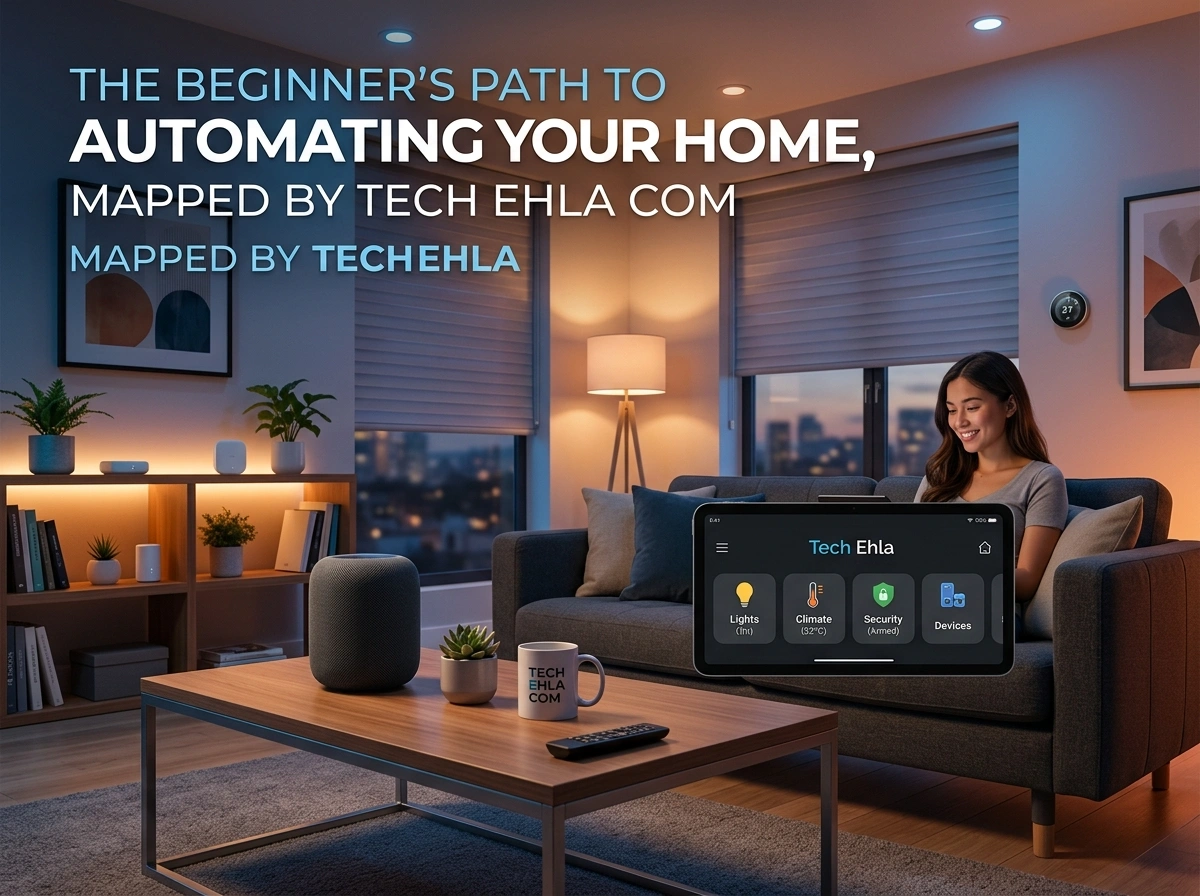
Walking into your home and having the lights turn on, the temperature adjust to your comfort, and your favorite playlist start playing—all without lifting a finger—used to feel like science fiction. Today, it’s simply a Sunday afternoon for millions of American households. Home automation has moved from luxury to mainstream, and the good news is that getting started is easier and more affordable than most people expect.
If you’ve been curious about smart homes but felt overwhelmed by the choices, you’re in the right place. This guide breaks everything down into simple, actionable steps so you can build a smart home that fits your lifestyle and budget.
What Is Home Automation and Why It Matters
Home automation refers to the network of connected devices that let you control and monitor your home electronically. Think smart lights you dim from your phone, thermostats that learn your schedule, and cameras that send alerts straight to your pocket. These devices communicate through your Wi-Fi or a dedicated hub, working together to make daily life smoother.
Why does this matter for American households? A few reasons stand out:
- Energy savings. Smart thermostats alone can trim your heating and cooling costs, which is a real benefit given how much energy bills vary across states and climates.
- Convenience. Automating routine tasks frees up your time and mental energy.
- Security and peace of mind. Remote monitoring lets you check on your home from anywhere, whether you’re at work in Chicago or vacationing in Florida.
- Accessibility. Voice controls and automation help people of all ages and abilities live more comfortably.
As tech adoption continues to climb nationwide, home automation is quickly becoming a standard feature buyers look for rather than a novelty.
The Essential Smart Home Devices for Beginners
You don’t need to buy everything at once. Start with a few core devices and expand over time. Here are the five categories that give beginners the biggest impact.
1. Smart Speakers
A smart speaker is the friendly command center of most smart homes. Devices like the Amazon Echo, Google Nest, or Apple HomePod let you control other gadgets using your voice. Ask about the weather, set timers, play music, or dim the lights—all hands-free. Because they act as a hub for many other devices, a smart speaker is often the best first purchase.
2. Smart Lights
Smart bulbs and switches are an affordable, satisfying entry point. You can adjust brightness, change colors, and set schedules from an app or with your voice. Want the porch light to switch on at sunset automatically? Done. Smart lighting instantly makes your home feel more responsive and modern.
3. Smart Thermostats
A smart thermostat learns your habits and adjusts temperatures to save energy without sacrificing comfort. Popular models like the Nest or Ecobee can lower usage when you’re away and warm things up before you get home. In regions with harsh winters or scorching summers, the savings add up fast.
4. Smart Locks
Smart locks let you lock and unlock your door remotely, create temporary access codes for guests, and receive alerts whenever the door opens. No more hiding a spare key under the mat. For families juggling busy schedules, this level of control is a game changer.
5. Security Cameras
Indoor and outdoor smart cameras give you a live view of your property from your phone. Many offer motion alerts, two-way audio, and cloud recording. Paired with a video doorbell, they create a solid first layer of home security that’s easy to manage.
How to Plan and Start Your Setup, Step by Step
Jumping in without a plan is the fastest way to waste money. Follow this simple roadmap to build your smart home the right way.
Step 1: Define your goals. Ask yourself what problem you want to solve. Is it lowering energy bills, boosting security, or just adding convenience? Your answer shapes every purchase.
Step 2: Check your Wi-Fi. Most smart devices rely on a strong, reliable internet connection. If your signal is weak in certain rooms, consider a mesh Wi-Fi system before adding devices.
Step 3: Choose your ecosystem. Pick a platform (more on this below) so all your devices play nicely together. Mixing incompatible systems creates headaches.
Step 4: Start small. Begin with one or two devices—say, a smart speaker and a few smart bulbs. Get comfortable with the app and automation routines.
Step 5: Build routines. Set up automations like “Good Morning” (lights on, thermostat up, news briefing) to see the real value of a connected home.
Step 6: Expand gradually. Once you’re confident, add locks, cameras, and thermostats. For detailed device comparisons and step-by-step tutorials, resources like tech ehla com can help you make smart, informed decisions along the way.
Choosing the Right Smart Home Ecosystem
Your ecosystem is the foundation everything else builds on. The three major platforms in the USA each have strengths, so choose based on the devices you already own and the features you value most.
Amazon Alexa offers the widest range of compatible devices and the most affordable smart speakers. It’s a great pick if you want maximum flexibility and plenty of budget-friendly options.
Google Home shines with its powerful voice assistant and seamless integration with Android phones and Google services. If you’re already deep in the Google world, this feels natural.
Apple HomeKit prioritizes privacy and security, with tight integration across iPhones, iPads, and Macs. It has fewer compatible devices, but Apple users love how smoothly everything connects.
A quick tip: before buying any device, look for the logo of your chosen platform on the packaging. This ensures compatibility and saves you frustration down the road.
Common Beginner Mistakes to Avoid
Even the best-laid plans hit snags. Steer clear of these frequent missteps:
- Ignoring compatibility. Buying devices from different ecosystems that don’t work together is the number one beginner error.
- Neglecting security. Always change default passwords and enable two-factor authentication. Connected devices can be entry points for hackers if left unsecured.
- Overbuying too fast. Purchasing a dozen gadgets at once leads to clutter and confusion. Grow your system in stages.
- Weak Wi-Fi. A shaky network makes even the best devices unreliable. Fix your connectivity first.
- Skipping the app updates. Manufacturers regularly push updates that improve performance and patch security holes. Keep everything current.
Future Trends in Home Automation
The smart home space is evolving quickly, and a few trends are worth watching.
Matter, the new universal standard, is making devices from different brands work together more easily than ever. This reduces the compatibility worries that trip up so many beginners.
Artificial intelligence is making homes truly proactive. Instead of just following commands, systems will anticipate your needs based on patterns and preferences.
Energy management is becoming a bigger focus as households look to cut costs and reduce their environmental footprint. Expect smarter integration with solar panels and home batteries.
Health and wellness features, like air quality monitoring and sleep tracking, are turning homes into personal well-being hubs.
Final Thoughts
Building a smart home doesn’t require deep technical knowledge or a massive budget—it just takes a clear plan and the willingness to start small. Begin with a device or two, choose an ecosystem that fits your life, and expand as your confidence grows. Along the way, prioritize security, keep your Wi-Fi strong, and stay curious about new innovations.
Home automation is no longer a distant dream reserved for tech enthusiasts. It’s an accessible, practical upgrade that makes daily life more comfortable, secure, and efficient. Take that first step today, and your future self will thank you every time the lights turn on before you even reach the switch.
